

Sharing with the family
The Family Portal gives a family their own view of their case: what is arranged, when it is happening, and the documents that concern them. It exists to stop the same three questions arriving by phone on a Tuesday afternoon.
It is a separate door from the staff sign-in, and it is deliberately narrow. A family sees their case and nothing else.
Inviting a family
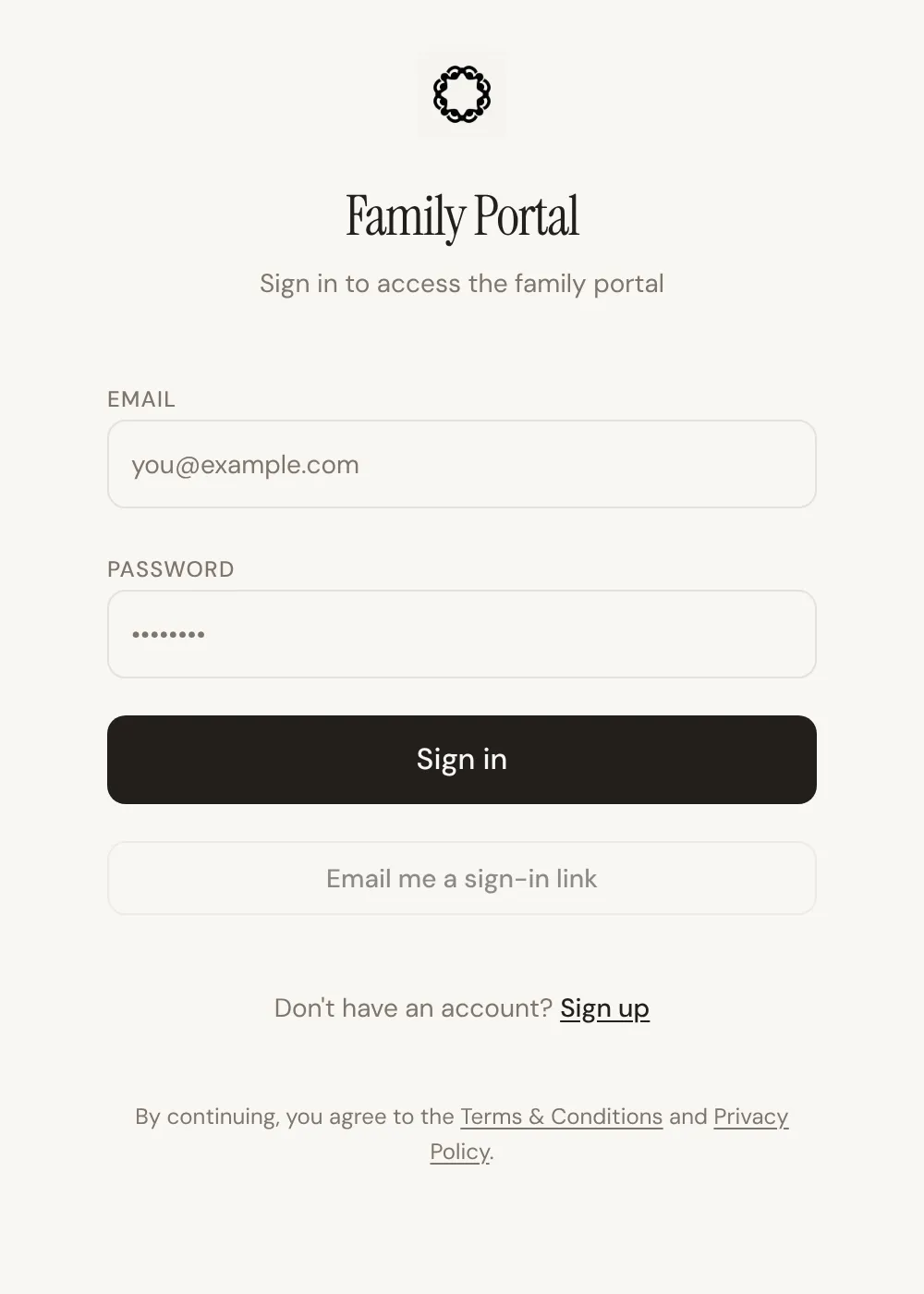
Section titled “Inviting a family”From the case, use Invite Family. The button only appears once the portal is turned on for your firm, under Family portal settings.
If the primary contact on the case has an email address, Lethra emails them the invite straight away. If there is no email yet, Lethra copies an invite link instead, so you can send it yourself inside a message you have already written. That is why the contact email matters so much when you are creating a case.
The family member then creates their own account with their own password, or signs in with a link emailed to them.
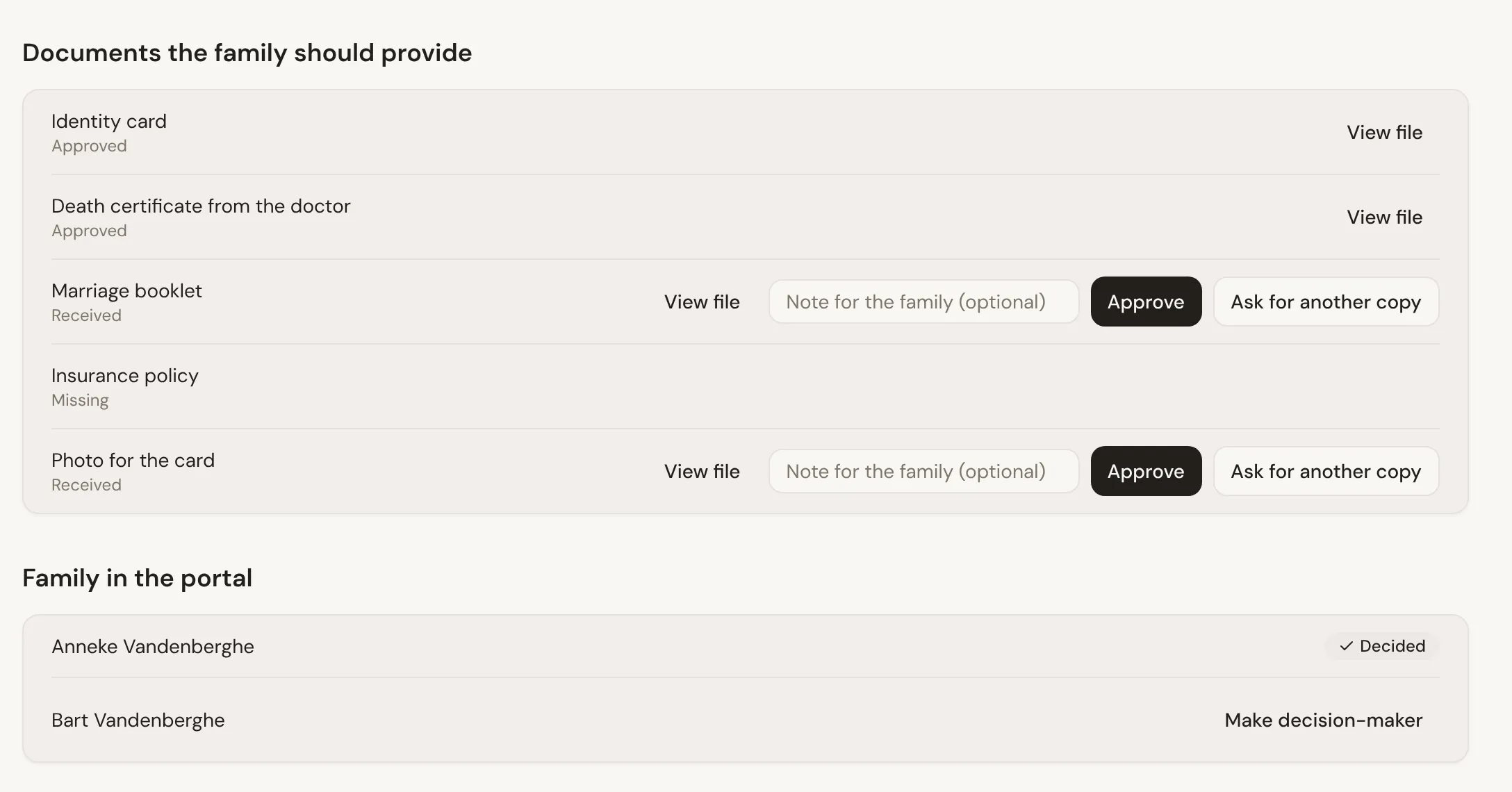
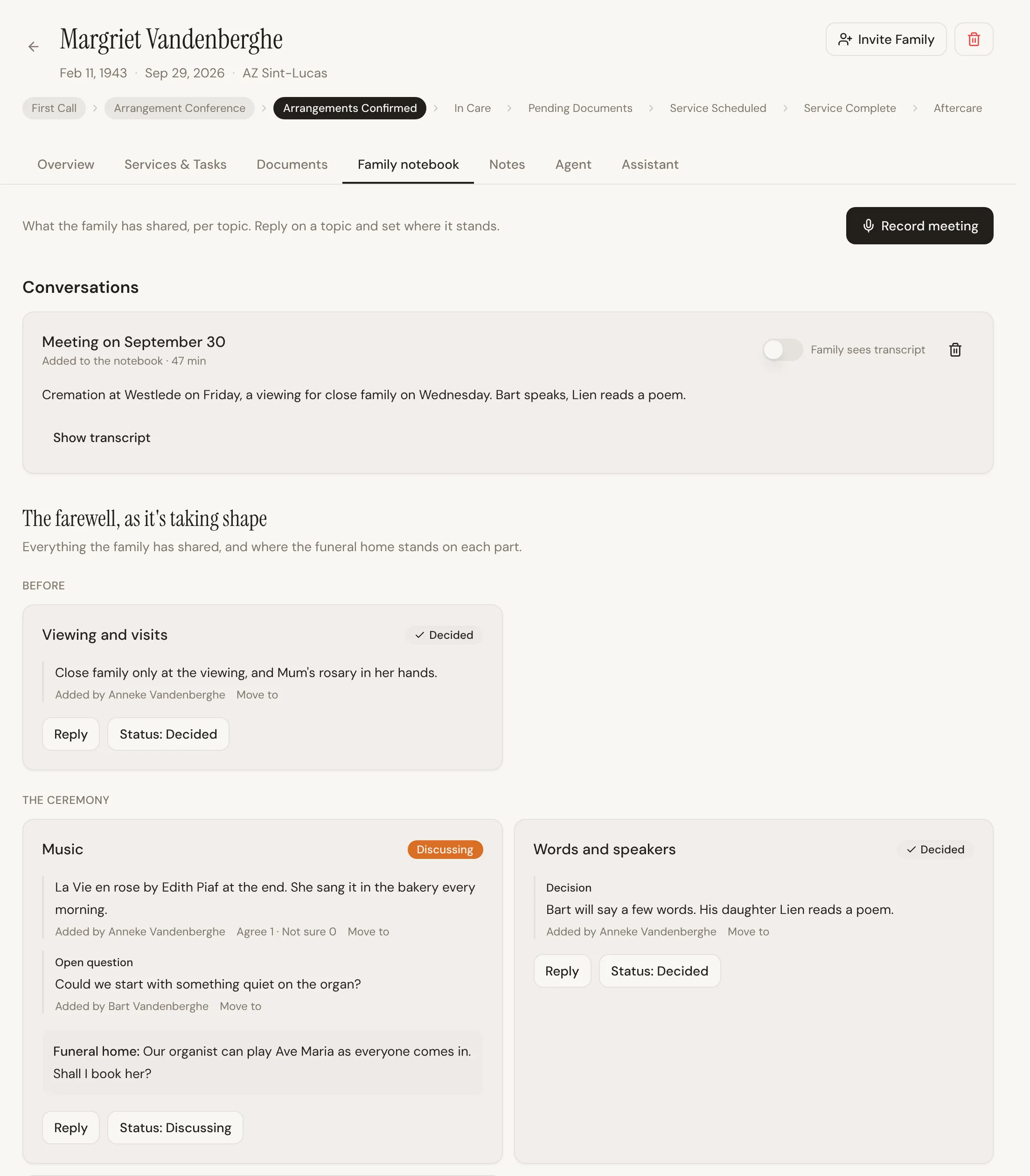
You can invite more than one person. In the portal, each person is either the Decision-maker or a Family member. Everyone can share thoughts and documents. The decision-maker is the one who confirms choices. You choose who that is on the case’s Family notebook tab, with Make decision-maker, which is useful when the person who decides is not the person you speak to most.
What the family sees
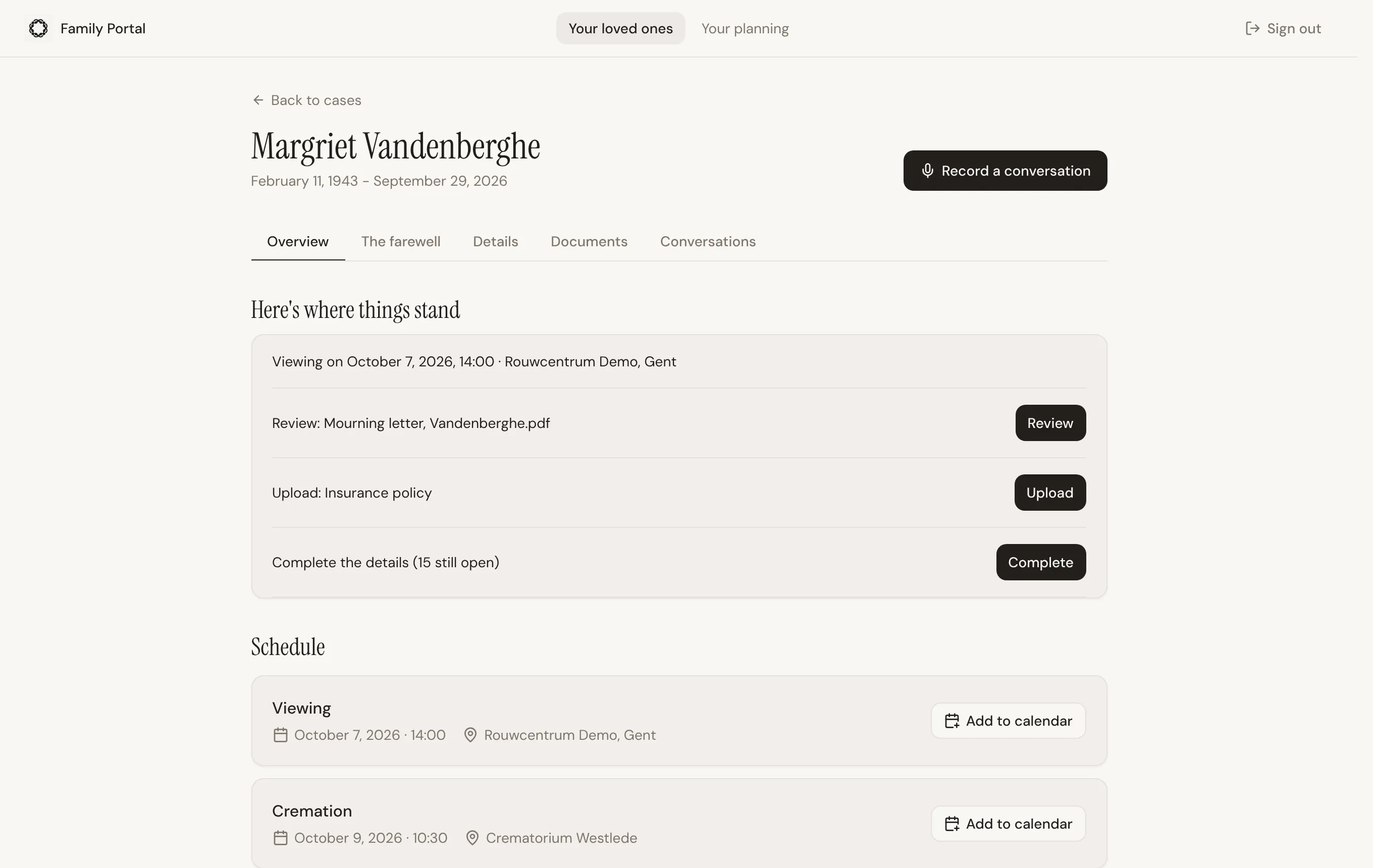
Section titled “What the family sees”Once signed in, a family member lands on Your loved ones, where their case is listed under Current arrangements. Next to it is Your planning, a private place for their own wishes.
Inside a case there are five tabs.
| Tab | What is on it |
|---|---|
| Overview | Where things stand: the next service, up to three things that need their answer, what is new since their last visit, the schedule, the people in the portal, and a box to message you. |
| The farewell | A shared farewell note, organised by topic such as music, readings and flowers, with where each part stands. Proofs of the mourning letter and printwork to review, condolences, and the services you offer. |
| Details | The deceased’s details, which the family can help complete: family, wishes on record and practical matters. |
| Documents | What you need from them, what you prepared for them, and anything else they upload. |
| Conversations | Meetings and family talks they recorded, and what was picked out of them. |
What the family cannot see
Section titled “What the family cannot see”This is worth knowing precisely, because it is the question every funeral director asks first.
They never see:
- Your other cases, or any other family
- Your inbox, or any conversation you have not sent to them
- Your internal notes
- Prices
- Anything in Growth, Leads, Ads or Calls
A family sees their own case and nothing else.
What the family can do
Section titled “What the family can do”See the schedule. Services with dates and places, so the details are somewhere they can check at midnight without ringing you. Add to calendar puts a service in their own calendar.
Share their thoughts. A song she loved, who should speak, the flowers. Lethra files each thought under the right topic. You reply and set where each part stands on the case’s Family notebook tab.
Review proofs. When you share the mourning letter or other printwork, they can confirm it or ask for a correction.
Read and upload documents. They see what you shared, and what you asked them for. You ask from the Family notebook tab, for example with Add the standard document checklist, then approve what arrives or ask for another copy. This replaces the “can you email that again, it did not come through” loop.
Record a conversation. A family talk or a meeting can be recorded or uploaded as a voice memo. Lethra picks out the wishes, decisions and open questions, and the family reviews them before anything is added.
Message you. What they send lands in your inbox as a message from the family.
Ask about services. They can show interest in services you offer. You see the request on the case.
Plan ahead. Your planning is where someone can record their own wishes in a guided conversation, and invite people they trust to help. That is separate from an active case, and from the chat on your website: someone who chooses to plan ahead there is handed over to Your planning (see First Call).
Your planning
Section titled “Your planning”Your planning is a quiet, private conversation with your funeral home’s planning guide. It goes through your Planning questions one at a time, at the person’s own pace, and saves each answer in their own words. What is saved so far is shown next to the conversation, so they can read along and correct anything.
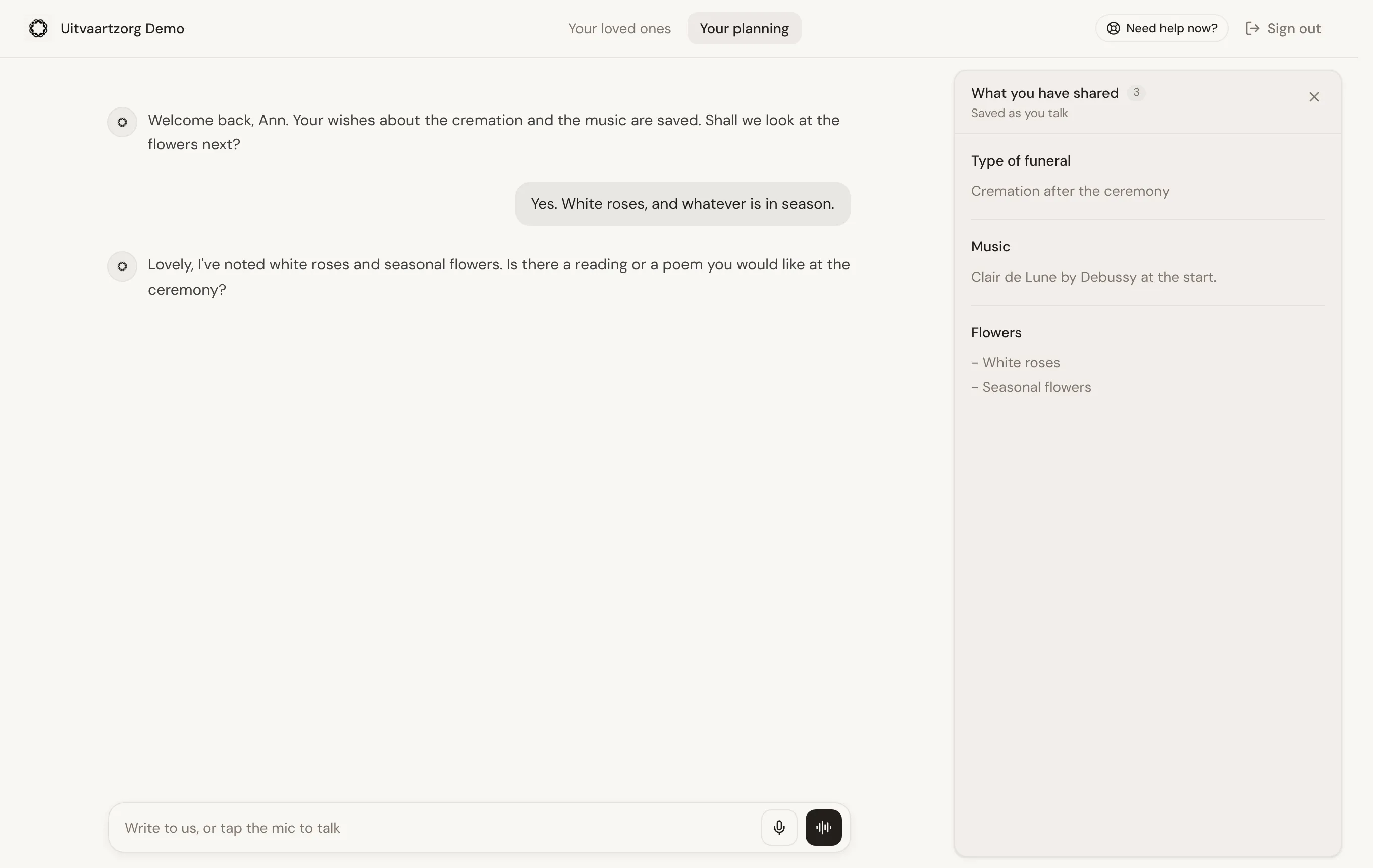
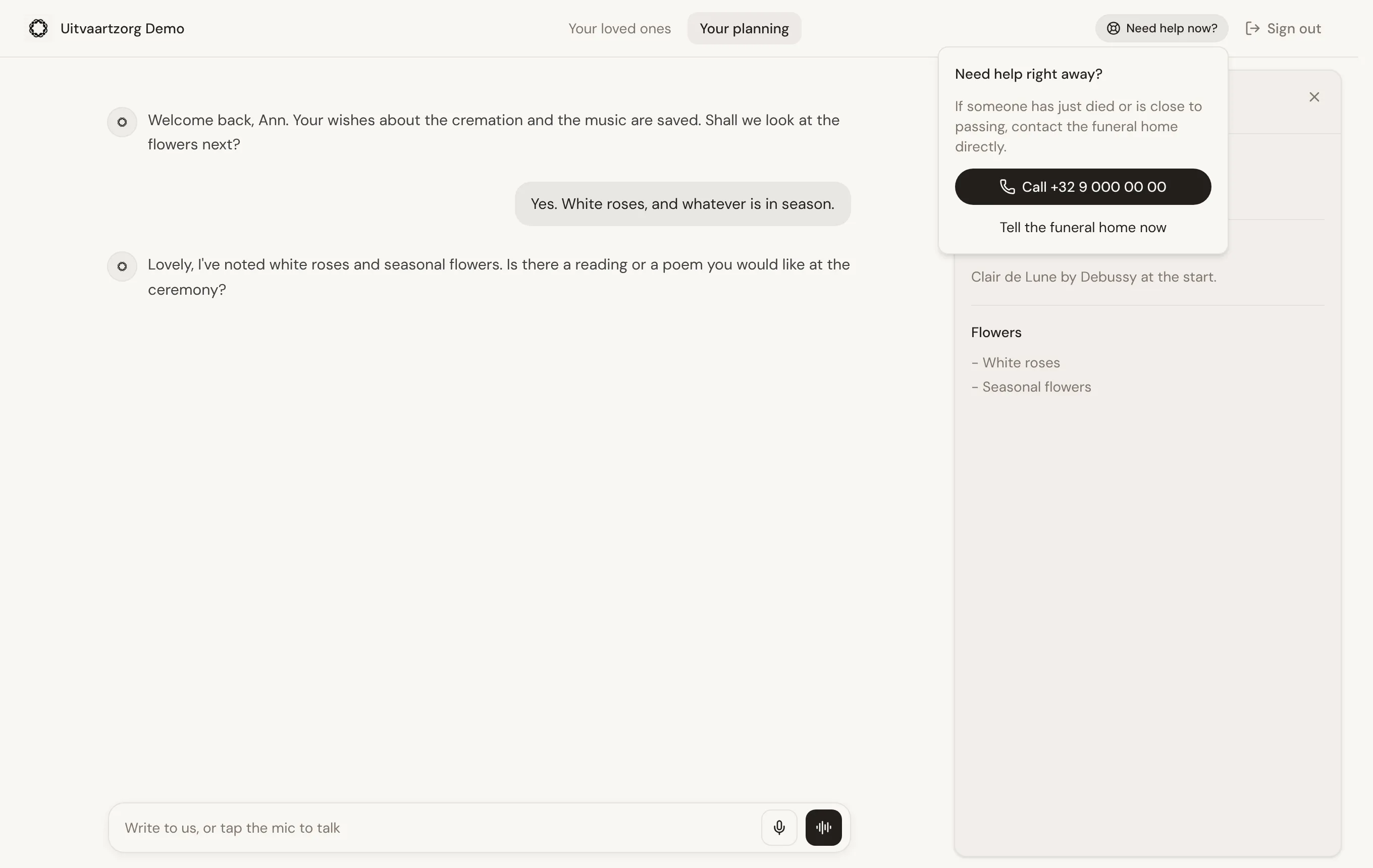
Saved wishes are their wishes, not bookings: nothing is ordered or confirmed by being saved. If something urgent happens while they are planning, Need help now? at the top gives them your phone number and a direct way to tell you, through First Call’s urgent path.
Getting the most out of it
Section titled “Getting the most out of it”- Invite early. The portal is most useful in the first days, when the family has the most questions and you have the least time.
- Add services as soon as they are fixed. The schedule is only reassuring when it is current, and an empty one prompts a phone call.
- Tell them what it is for. One sentence when you send the invite, saying they can see the arrangements and upload photos there, gets far more families using it than an invite arriving with no explanation.
Where to go next
Section titled “Where to go next”That is the whole of getting started. The rest of this help centre covers setup, daily work, communication, documents, growth and the eLys integration for Flanders in more depth.
If you are stuck, ask the Assistant inside Lethra, or reply to any email from us.
Was this page helpful?
Thank you. We read every reply and use it to improve the guides.