

Blog
The Blog tab in Content is your funeral home’s own blog. Helpful articles answer the questions families search for, so they find your website and get to know you before they call.
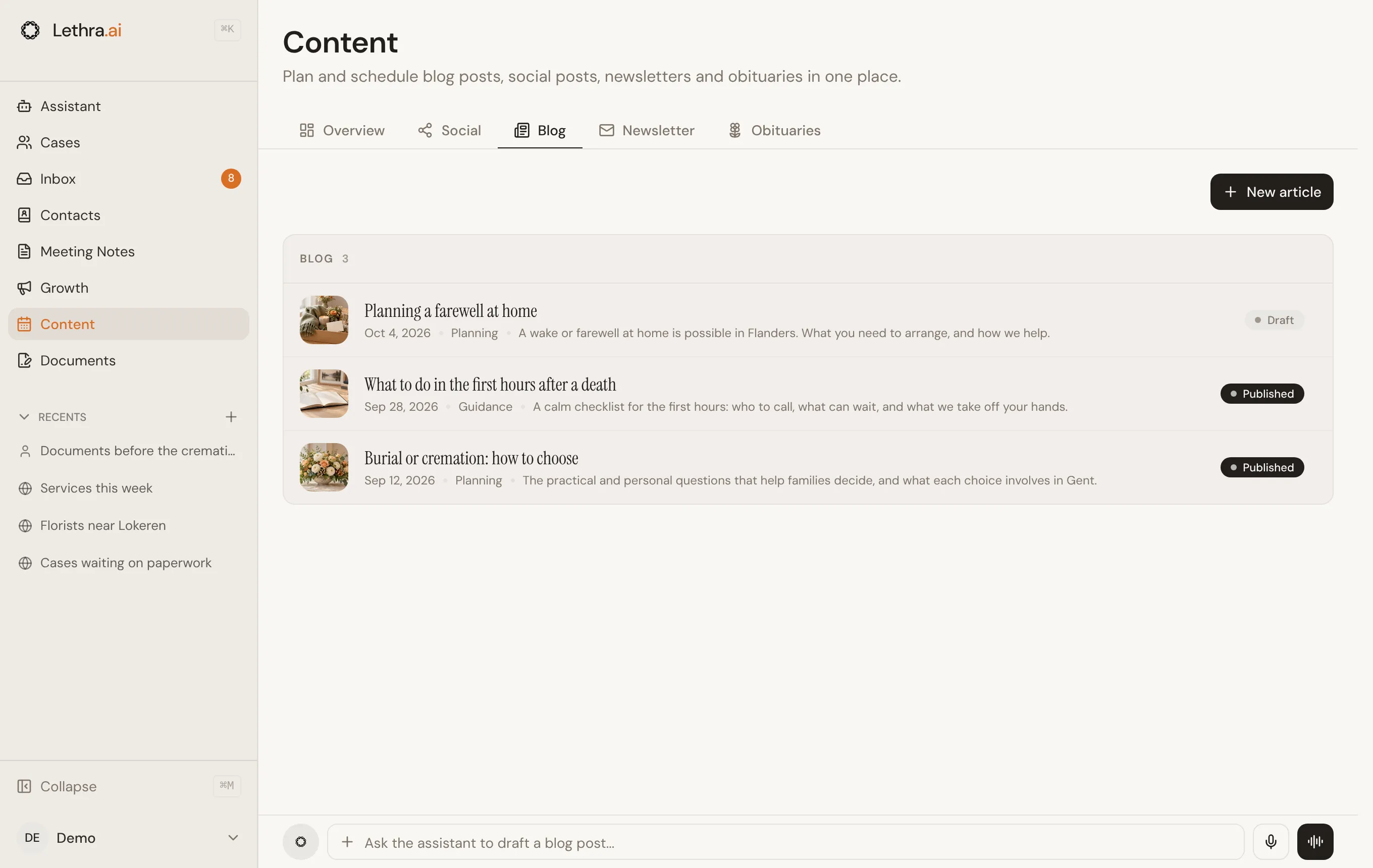
Each article shows its cover photo, category, date and summary, and whether it is a draft or published. Click an article to edit it.
Writing and editing
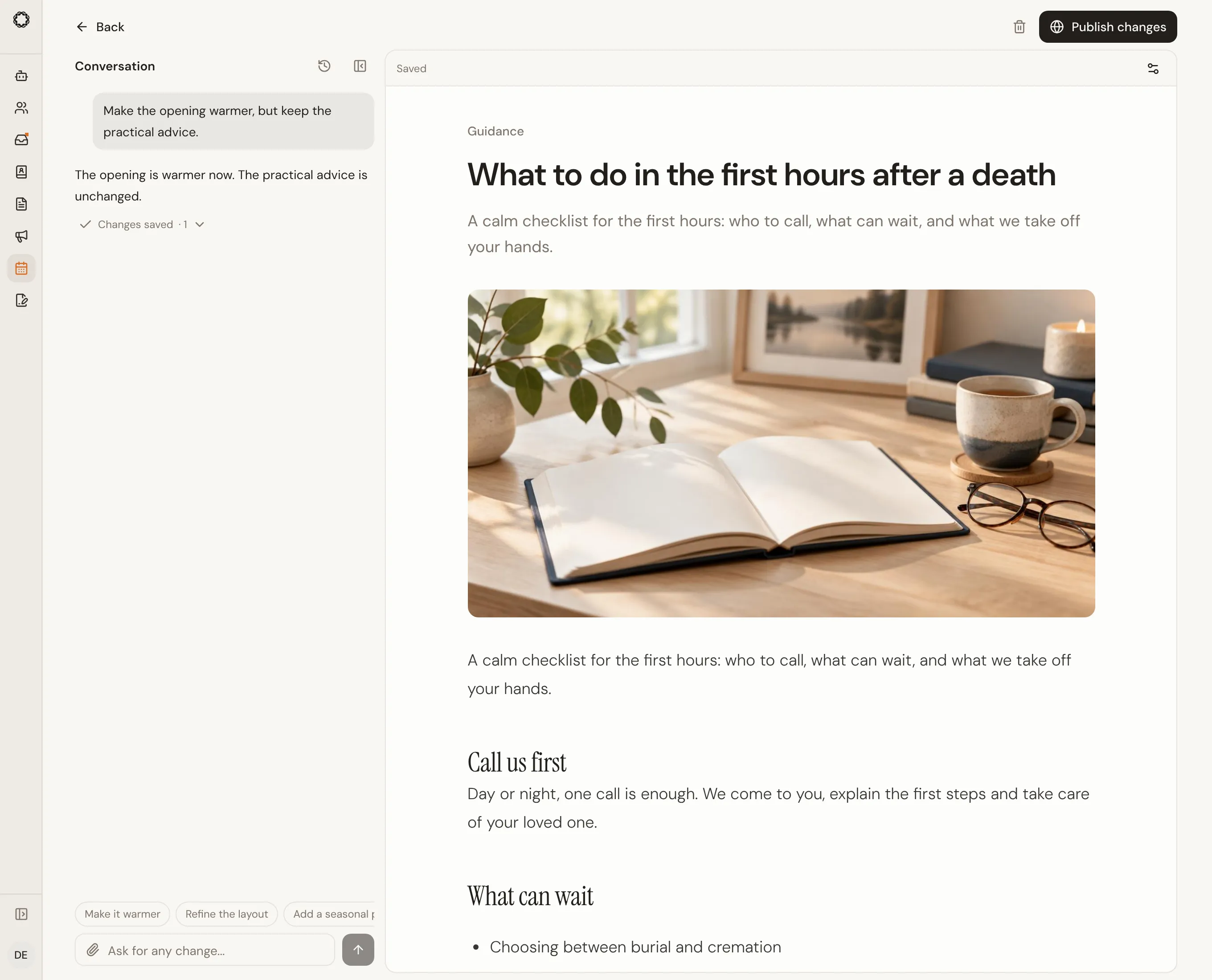
Section titled “Writing and editing”Click New article to open a saved draft. Describe the topic in the conversation on the left. Ask questions, brainstorm, or request changes; the article on the right updates after a successful edit. You can also edit the article directly.
Settings holds the title, web address, excerpt, cover image and SEO fields. History lets you inspect and restore saved versions. The conversation stays with the article when you reopen it. On a phone, switch between Conversation and Preview.
Changes save automatically. Save draft keeps a working version; updating a published article remains an explicit action. Publish, Unpublish and Schedule remain separate controls. Scheduled articles appear in the Content calendar and publish through the five-minute worker.
Selection, changes and history
Section titled “Selection, changes and history”Select a passage in the preview, then describe the change in the conversation. A removable chip keeps the selected passage visible. If that passage changes before the request, select it again. Photos can be attached, pasted or dropped into the conversation input.
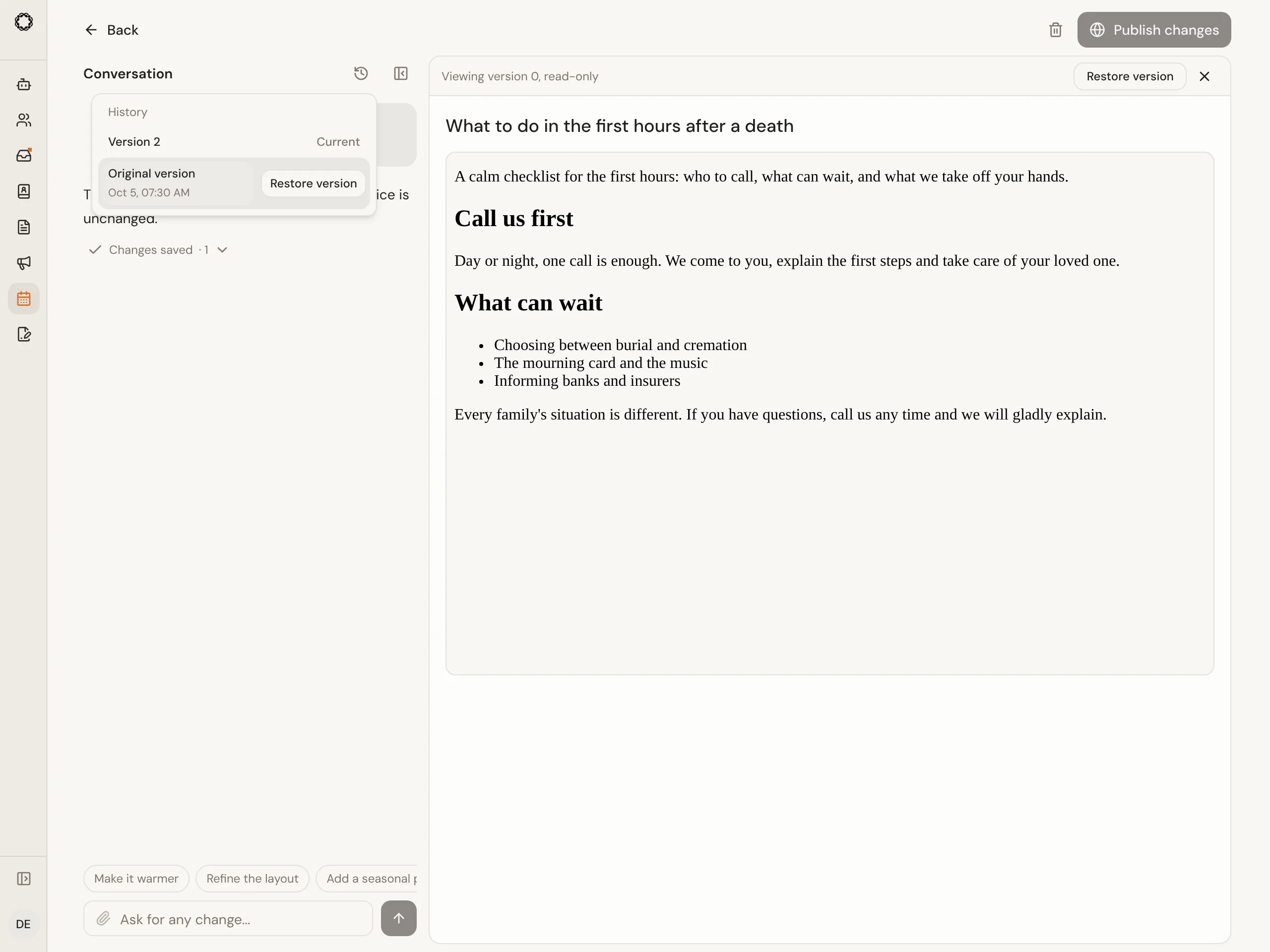
History is beside the conversation title. Open a version to inspect it without changing the current content, then choose Restore version if needed. Expand Changes saved to see the affected fields and Undo last change. Replies that only answer a question do not claim a saved change.
On a computer, Hide conversation gives the preview more room; Show conversation brings it back with your unsent message intact. Stop discards results that have not started saving; already-saved changes remain. If another edit conflicts, review the latest saved version before choosing to keep your edits and retry.
Where articles appear
Section titled “Where articles appear”Published articles appear on your website under /blog, and the latest
ones can be shown on your homepage with a blog section. Articles become
visible once your website is published. Your blog is written in your
company’s language only; there is no language switcher on your site.
Lethra’s own blog
Section titled “Lethra’s own blog”Lethra also publishes editorial articles on its public site, in English, French and Dutch. These are written and managed by Lethra, not by individual funeral homes. If you want to point a family to a helpful article on a topic like pre-planning, you can link to Lethra’s blog the same way you would any other resource.
Send your latest articles to your subscribers: Newsletter.
Was this page helpful?
Thank you. We read every reply and use it to improve the guides.