

Language and region
Language in Lethra works at two levels: the language you personally see the interface in, and the language the agent uses when it writes to a family. They are independent, and it is worth understanding both.
Your interface language
Section titled “Your interface language”Lethra speaks English, French and Dutch, with Flemish as a variant of Dutch.
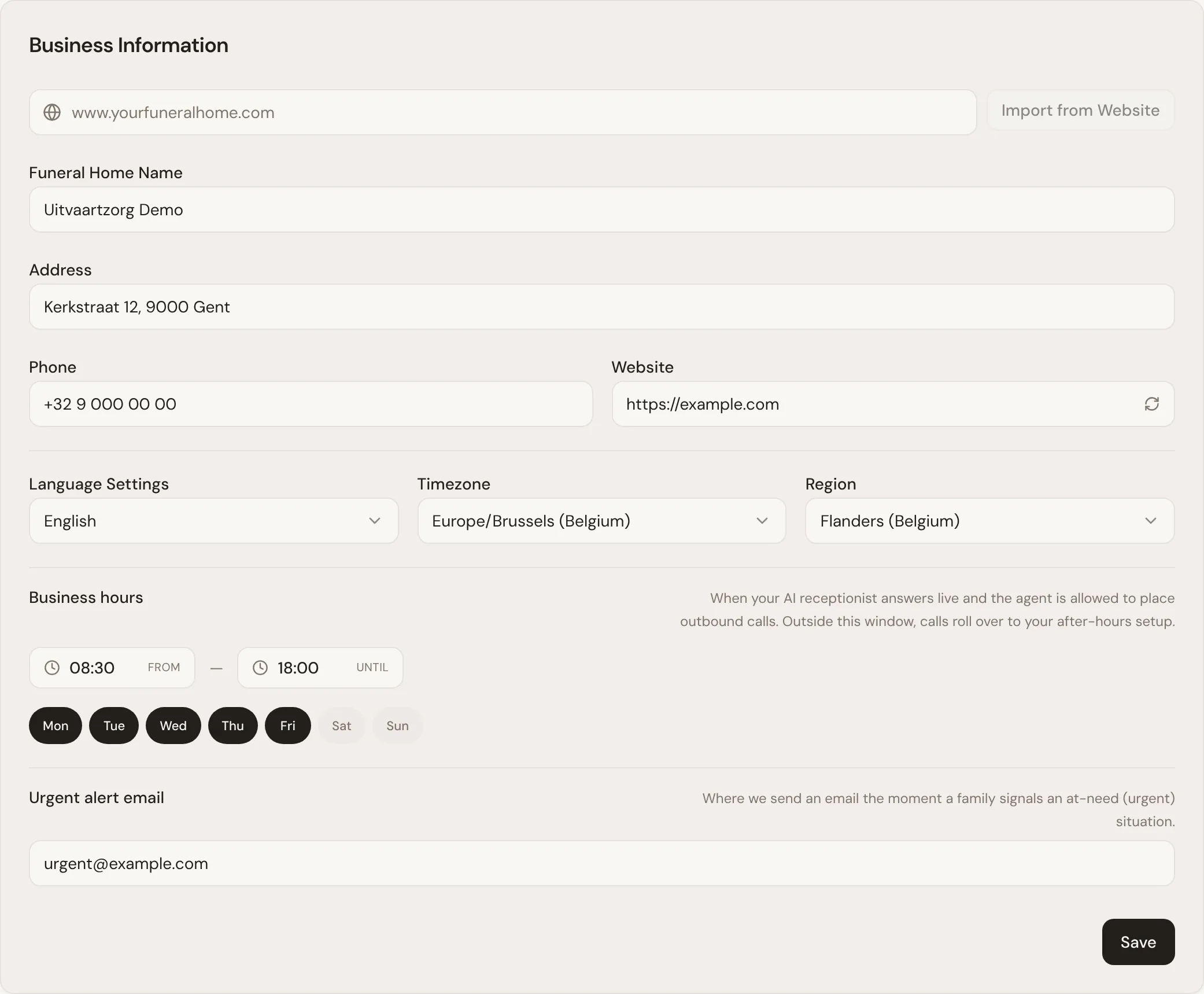
Change it with Language Settings, in the business information on the Company tab of Your Company. It changes the whole interface immediately, and your browser remembers the choice. Because it is kept per browser, a colleague on their own computer can keep working in another language, on the same case, on the same day.
The same setting is also saved as your firm’s language. Lethra uses that for firm-wide things, such as the language of documents it drafts from your templates and of urgent alerts.
This help centre is available in the same three languages. Use the language picker at the top of the page.
The family’s language
Section titled “The family’s language”When the agent drafts an email to a family, it writes in the family’s language, not in the language you happen to be working in. A Dutch-speaking family gets a Dutch draft even if you are signed in in English.
See Working with the agent for how drafts are prepared and approved.
Region
Section titled “Region”Also in the Company tab’s business information is Region, a setting separate from language. It tells Lethra which part of the world your firm operates in, for example Flanders (BE-VLG), Brussels, Wallonia, the Netherlands or France.
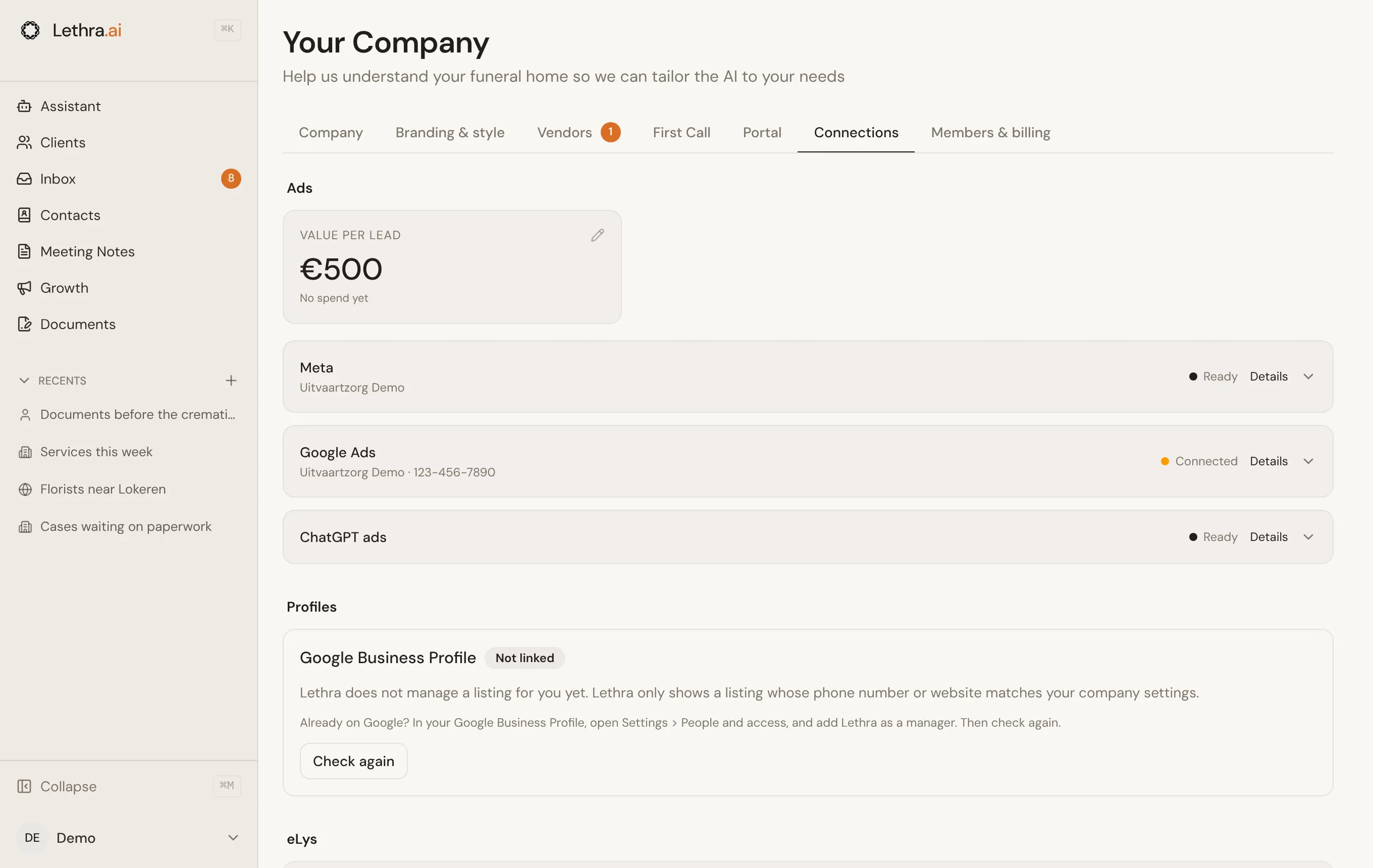
Region matters because some tools only make sense in one place. Setting your region to Flanders (BE-VLG) is what makes region-specific integrations such as eLys possible. Once Lethra has also switched eLys on for your firm, it appears on the Connections tab. Firms in a region without a specific integration only see their ad connections there.
When you import your business information from your website, Lethra tries to detect the right region from your address automatically, but it is worth checking it rather than assuming.
Turn on the family portal and decide what families can see: Family portal settings.
Was this page helpful?
Thank you. We read every reply and use it to improve the guides.