

Family portal settings
This article covers the settings side of the Family Portal: the switch that turns it on for your firm, and where invites and visibility are controlled. For what a family actually sees and does once inside, see Sharing with the family.
Turning it on
Section titled “Turning it on”Under Your Company, open the Portal tab. It has a single switch: Enable Family Portal. The change saves as soon as you flip it.
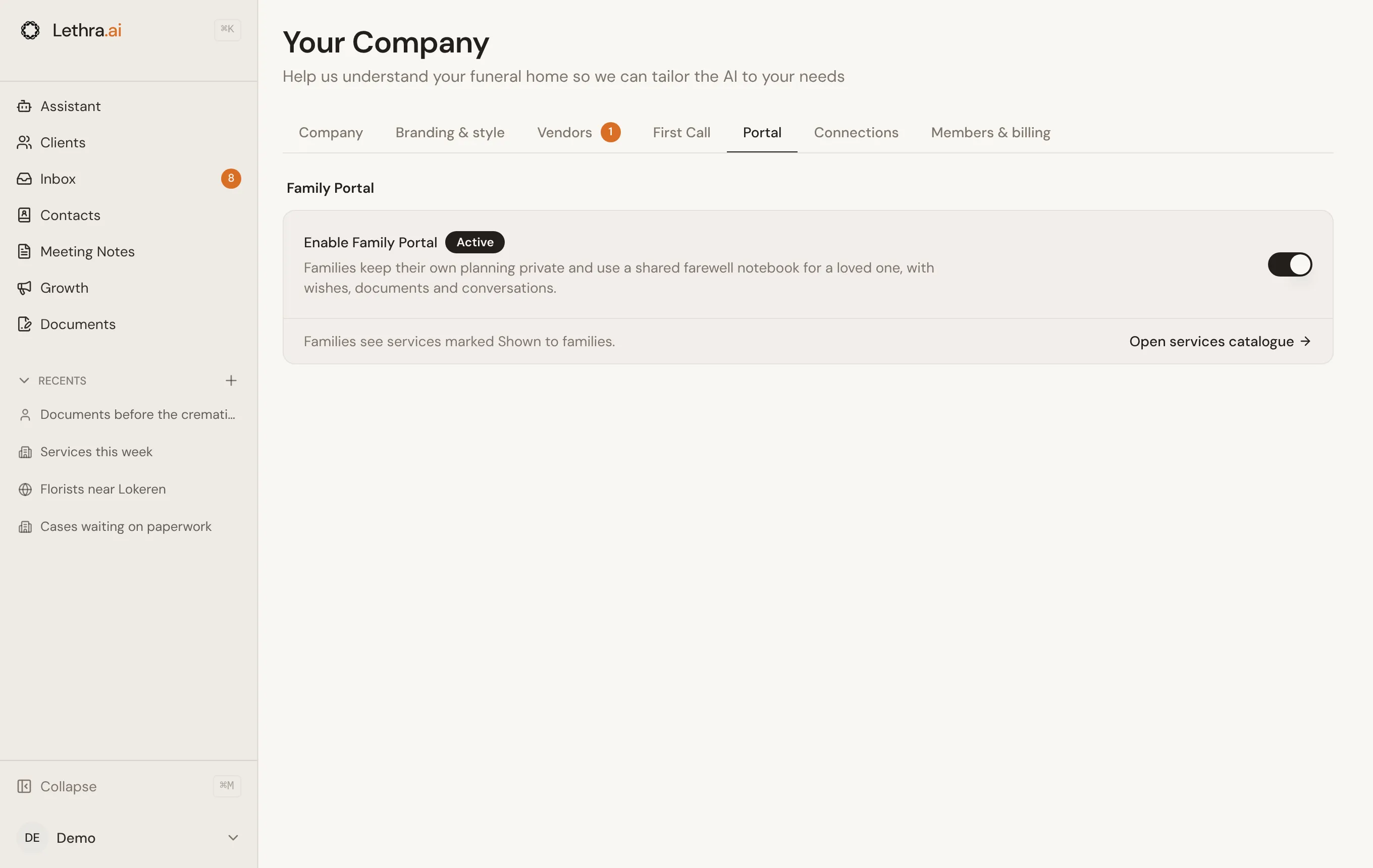
This is a firm-wide setting. While it is off, the Invite Family button does not appear on any case, so nobody at your firm can invite a family. Turn it on once and it applies to every case from that point on.
Inviting a family
Section titled “Inviting a family”Invites happen from inside a case, not from Your Company. Use Invite Family on the case. If the primary contact has an email address, Lethra emails the invite straight away. If not, Lethra copies an invite link for you to send yourself. So check the contact email before you click.

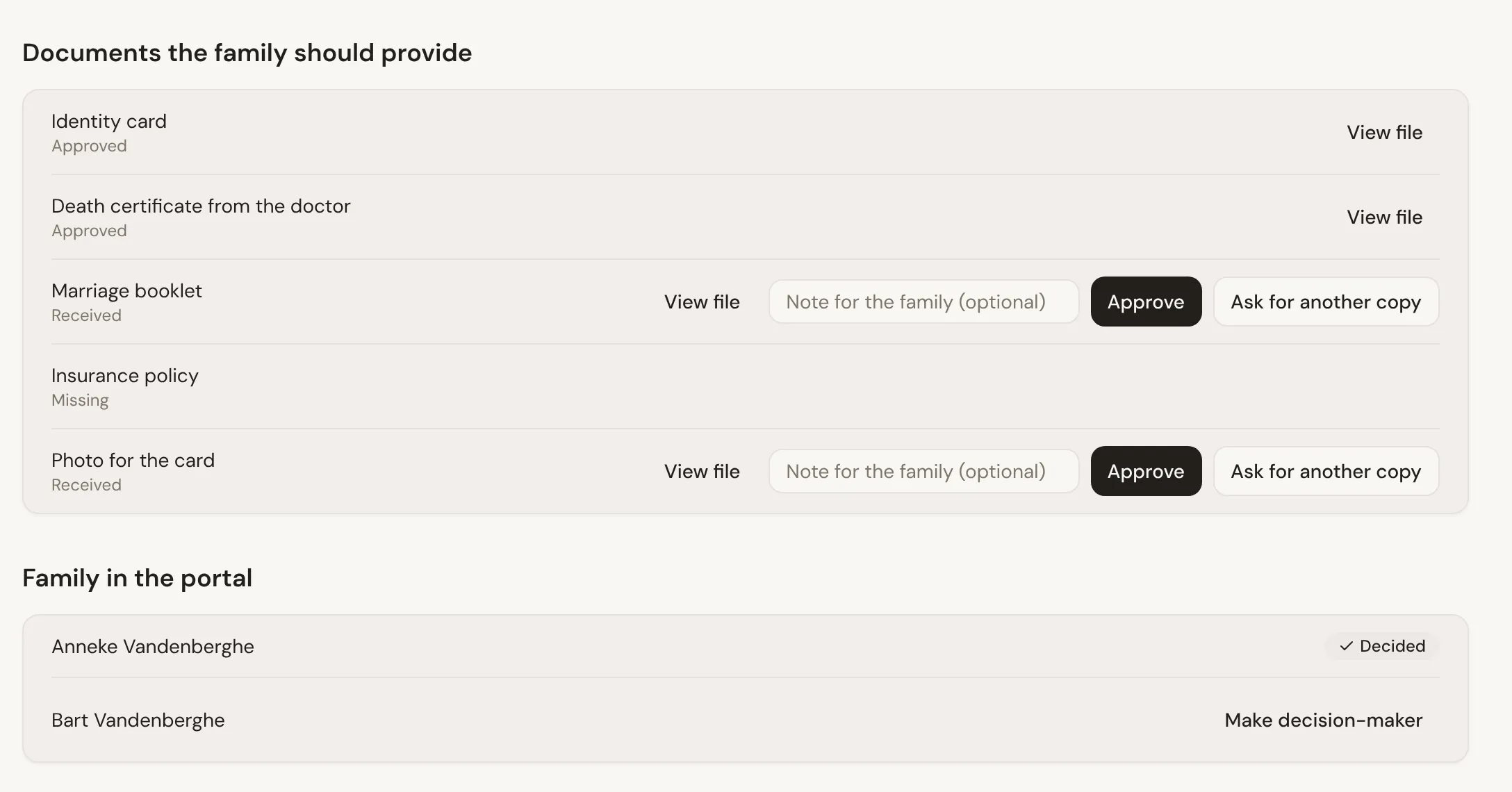
You can invite more than one person to the same case. One of them can be the Decision-maker, who confirms choices. You set that on the case’s Family notebook tab, which also lists everyone in the portal.
Choosing what is visible
Section titled “Choosing what is visible”The portal shows the same set of tabs for every case, described in Sharing with the family. What a family sees inside them depends on what you share:
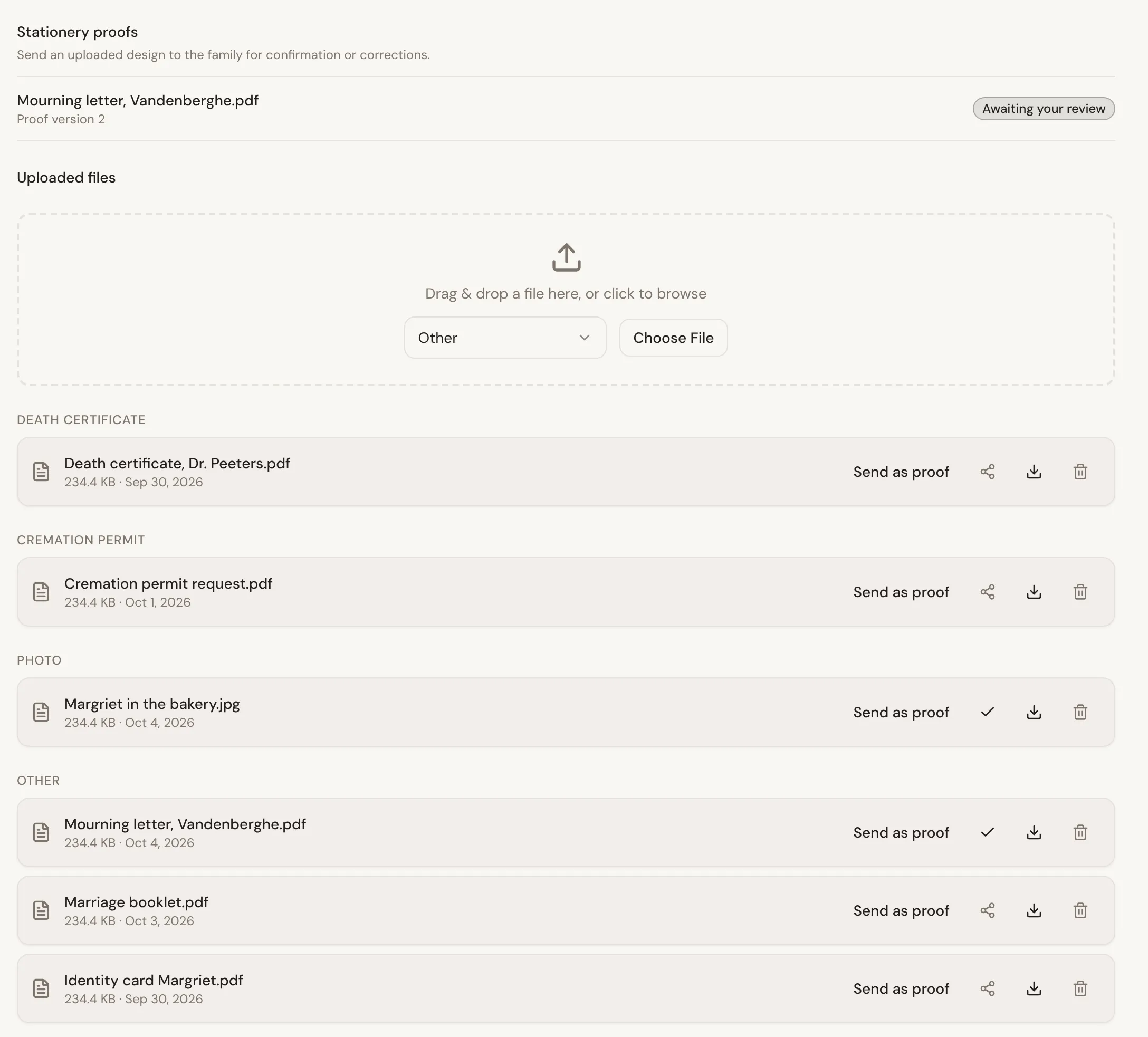
- Documents. A family only sees documents you have shared. Use Share with family on a document in the case’s Documents tab.
- Services. Every service on the case appears on their schedule, with the date, time and place you have filled in. From your services catalogue, they only see the ones marked Shown to families. The Portal tab links straight to the catalogue.
- Recordings. For a recorded conversation, you decide whether the family sees the full transcript or only the summary.
Prices are never shown to families.
Removing access
Section titled “Removing access”There is no button yet to remove one family member from a case. Turning the portal off stops new invites, but does not take away access someone already has. If you need someone’s access removed, ask Lethra.
See what a family experiences once invited: Sharing with the family.
Was this page helpful?
Thank you. We read every reply and use it to improve the guides.