

Signing in and your workspace
Colleagues join Lethra by invitation. Somebody at your firm creates the invite and sends it to you, and you follow the link to make your account.
If your funeral home is new to Lethra, use Sign up on the sign-in screen instead. Lethra then walks you through a short setup: naming your funeral home, reading your website, choosing whether to keep that website or get a new one, and the first settings (Setting up your funeral home walks through each step). If you are joining a firm that already uses Lethra, wait for the invite rather than signing up, or you will end up in a separate workspace of your own.
If you choose Finish later, the setup does not come back on its own. Pick it up again from Your Account with Continue setup. Only the person who created the workspace goes through this setup; colleagues you invite go straight to the dashboard.
Signing in
Section titled “Signing in”Go to your firm’s Lethra address and sign in with your work email and password.
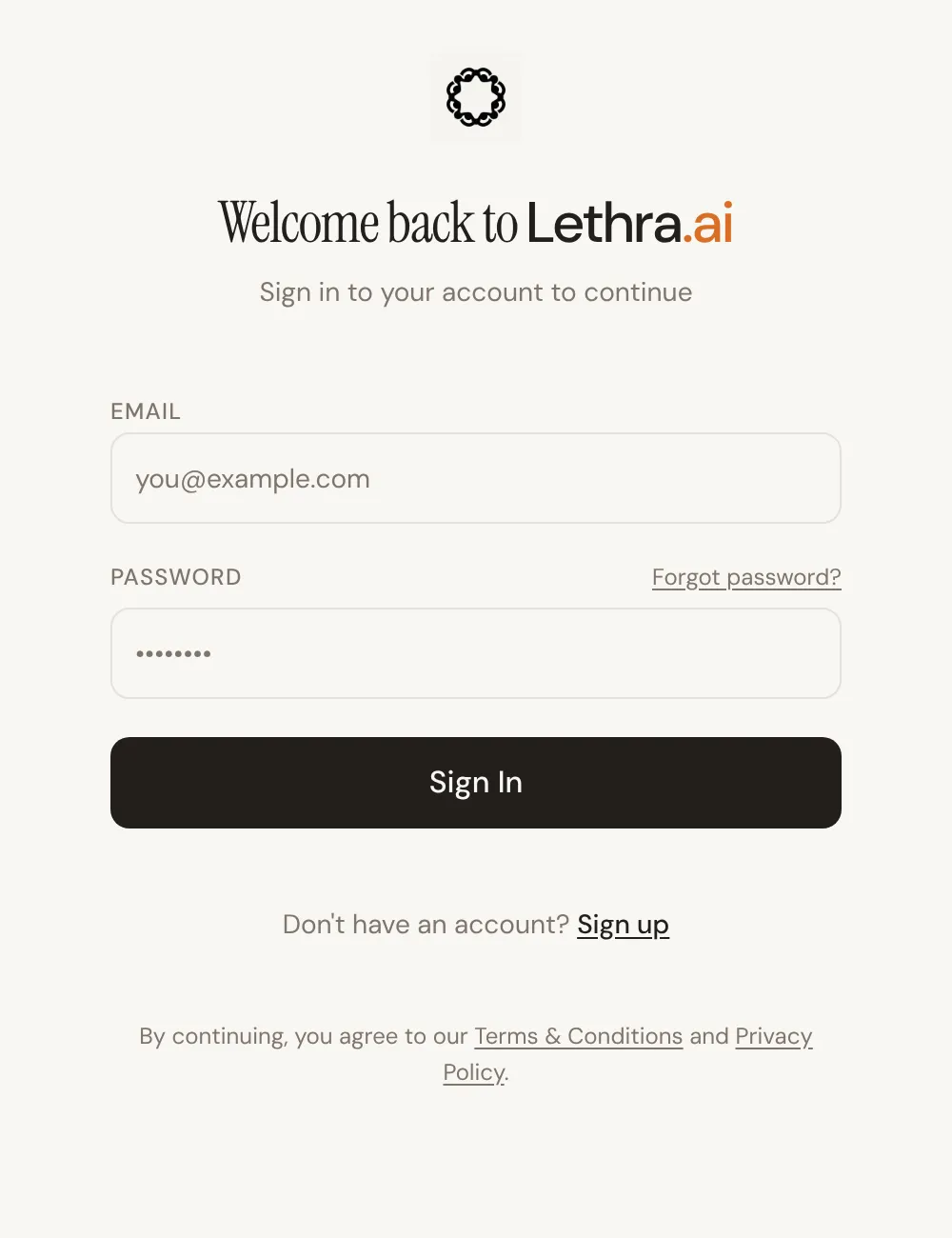
If you have forgotten your password, use Forgot password? on this screen. A reset link goes to your work email. The link is single use, so if you request two, only the newest one works.
Finding your way around
Section titled “Finding your way around”Everything Lethra does is down the left of the screen. There are seven places, and the list is the same for every firm. Below them sit your recent Assistant conversations. You can collapse the sidebar with Collapse if you want the room.
| Where | What it is for |
|---|---|
| Assistant | Where you land on sign-in. Lethra’s chat, for a case or the firm. |
| Cases | Your cases. One record per deceased person. |
| Inbox | Everything that needs a person: drafts, the agent’s questions, calls to return. |
| Contacts | Everyone your funeral home deals with: families, planners, enquiries, subscribers. |
| Meeting Notes | Notes from arrangement conferences and other meetings. |
| Growth | The commercial side: leads, campaigns and your website. |
| Documents | Templates, and the documents generated from them. |
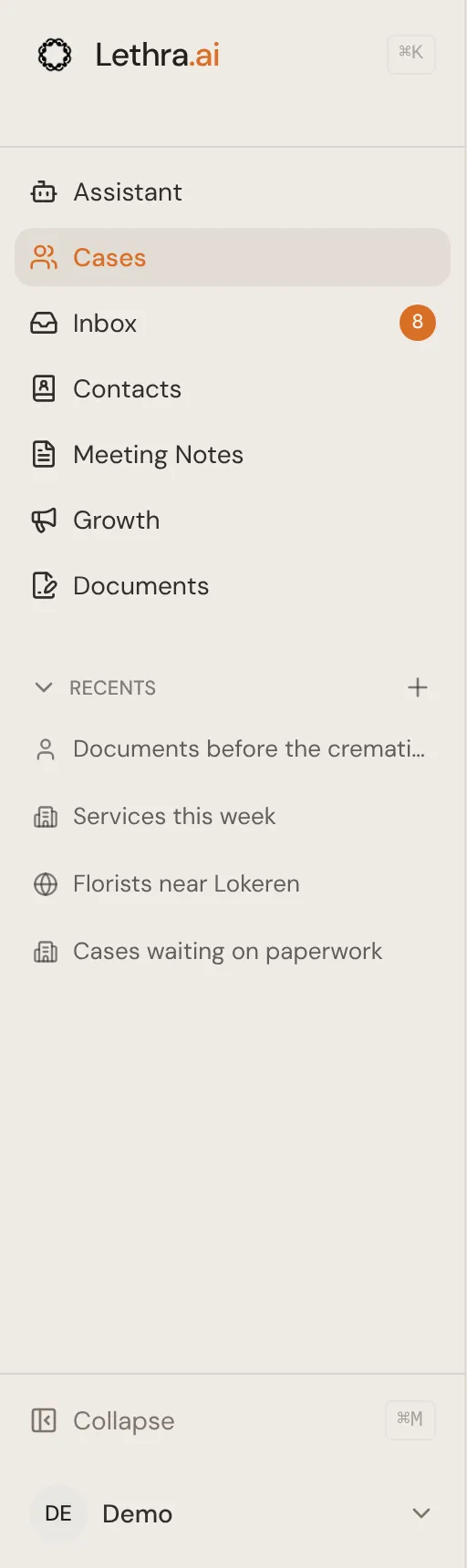
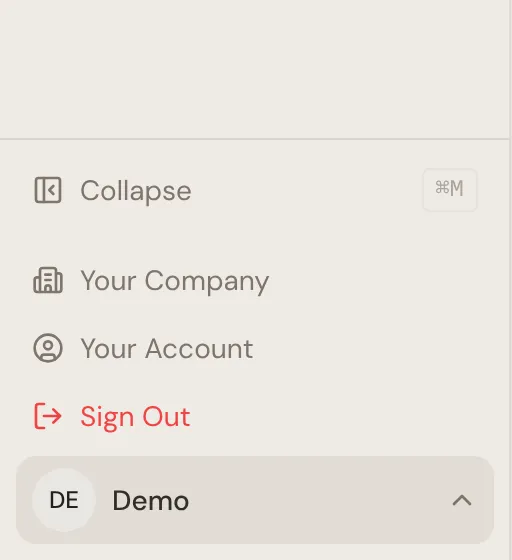
At the bottom, click your name to find Your Company and Your Account. The difference matters, so it is worth being clear about it.
Your Account and Your Company
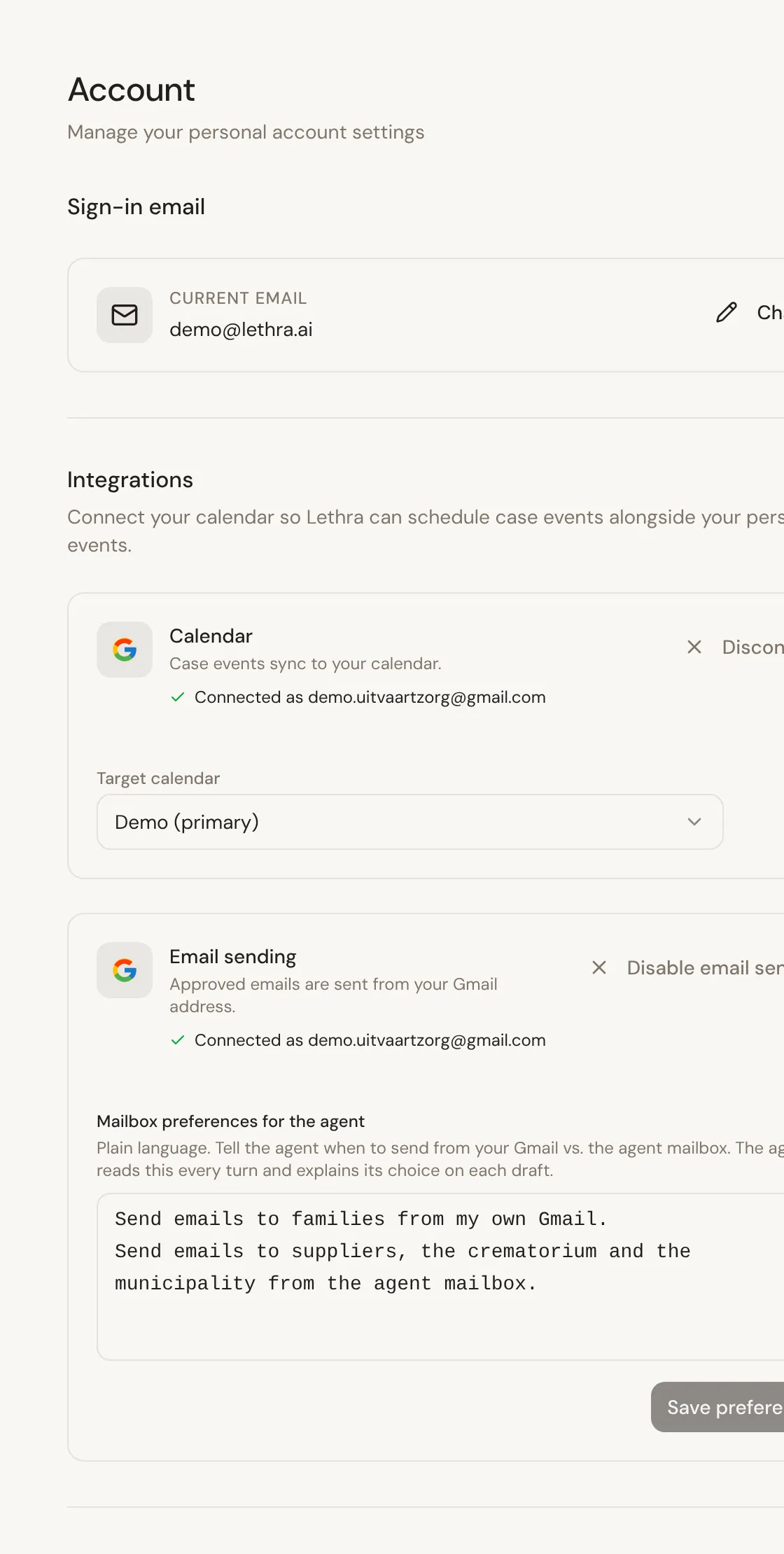
Section titled “Your Account and Your Company”Your Account is you. Your sign-in email, your own connections such as your calendar and your Gmail, and Replay onboarding if you want to go through the setup again. Changing anything here affects only you. To change your password, use Forgot password? on the sign-in screen.
Your Company is the firm. Your details, your team and who has access, and the settings that everyone works inside. Changing something here affects all of your colleagues, so treat it with more care.
If you are the first person at your firm, it is worth going through Your Company before you open your first case, so that names, addresses and stages are right from the start rather than corrected later.
Working in your own language
Section titled “Working in your own language”Lethra speaks English, French and Dutch, with Flemish as a variant of Dutch.
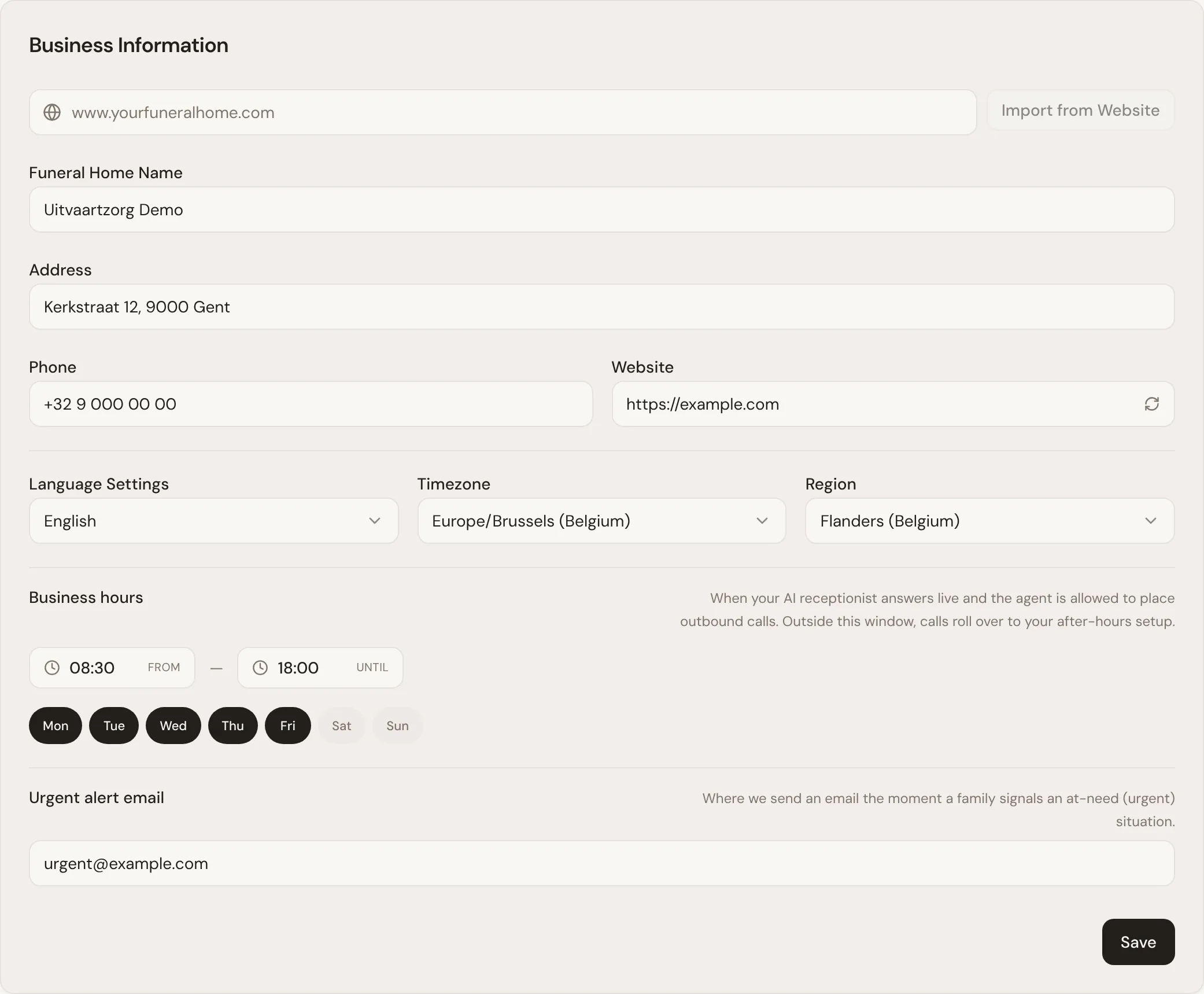
Change it with Language Settings, on the Company tab of Your Company. The whole interface changes immediately, and your browser remembers the choice, so a colleague on their own computer can keep working in another language. The same setting is also saved as your firm’s language, which Lethra uses for things like the documents it drafts. See Language and region.
Your screen language does not decide how families are written to. When the agent writes to a family, it writes in the family’s language, not yours. So a Dutch-speaking family gets Dutch email even if you are working in English. See Working with the agent.
This help centre is in the same three languages. Use the language picker at the top of the page.
Signing out
Section titled “Signing out”Sign Out is in the menu under your name, at the bottom of the sidebar. Do use it on a shared machine: a signed-in session gives access to every case in the firm, including family contact details.
Open your first case: Creating your first case.
Was this page helpful?
Thank you. We read every reply and use it to improve the guides.